Remote IP Discovery

1 03 2010

The need

Occasionally I need to access a computer using remote desktop, however the IP address of the computer is dynamic and changes every few weeks making the computer unreachable via remote desktop.

Here I describe how I setup a couple of simple batch files that will record the computers IP address to a secure website. More importantly the website can be used to trigger a new IP discovery on the remote computer. Oh yeah, it’s all for free :-)

Outline

  • Install DropBox webservice in order to store the IP address of the computer(s) you wish to interrogate.
  • Install two batch files on the target PC’s one which run in the scheduled tasks manager in windows.
  • Create a ‘trigger’ text file on the target PC.
  • Rename the trigger file to a given name to initiate the interrogation and publishing of the IP address.

Read the rest of this entry »


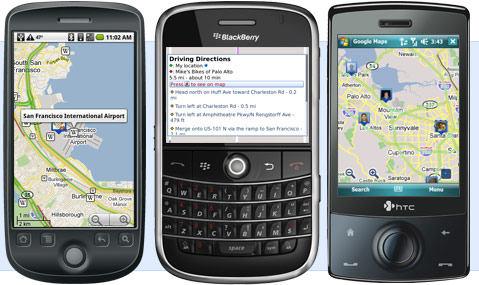
Google Maps 4.0 OTA update available for Droid

11 02 2010

I got an Over the Air update this morning on my Droid for Google Maps. The new version is 4.0, just last week we got version 3.4 which added multi-touch.

3.4 to 4.0 sounds like a significant jump, however the only new feature I could find was an additional map layer that is integrated with Google s new social networking product, Buzz.

Multi-touch was a huge usability improvement and got no mention from Google, it was just slipped in. Clearly they are jazzed about buzz at Google. I’ve got one follower on Buzz and automatically was made follower of 12 others. Looks like Google are going after twitter with the way the Buzz network is setup. Is buzz a twitter killer? I don’t think so (just yet) because it integrates with Twitter, right now I view it more as a supplement to twitter and other social micro blogging. It maybe a freindfeed killer.


OpenDNS – Web-filtering for the enterprise. Really ?!?

7 02 2010

I was intrigued when invited to a webinar hosted by OpenDNS regarding their enterprise DNS offerings. I have been an OpenDNS user at my residence since 2006 when their service was first launched.

Traditionally OpenDNS has been targeted at the residential consumer, providing a more secure and  reliable DNS service than the consumers ISP bothered to be. You see, ISP’s make no money from DNS, its a sunken cost for them; so they put as little money into DNS as necessary to keep things running. Corporations pay considerably more for their internet service and have Service Level Agreements in place to ensure they get consistent an reliable service. So the same motivation to switch does not exist at the enterprise level. Additionally internal network infrastructure requires a local DNS service to be managed by the host company anyway, they often don’t need the technical help in managing connections to the public DNS infrastructure.

Read the rest of this entry »


Multi-Touch for the Droid Starts to Rollout!!!

6 02 2010

Google recently released a new version of Google Maps for the droid which supports multi-touch (aka pinch-zoom). Mutil-touch zooming is vastly superior to the Plus-Minus zooming previously available on Google Maps. This is a great feature upgrade.

The release of this feature has been done very quietly by Google, almost stealth like. I noticed this morning that an updated version of Google Maps was available. I performed the upgrade and it informed me of some new features. Oddly multi-touch is NOT listed as a new feature even though it is present.

The new Features listed for version 3.4.0. of Google Maps are :-

  • Starred Items synced with maps.
  • Search Suggestions from maps.
  • Night Mode for Navigation

Read the rest of this entry »


No WiFi? Tether your Droid and use it as a Broadband Modem

30 01 2010

We’ve all been there, you visit a holiday home or a business and no public internet is available. Maybe the Hotel or Airport you’re at want to sell you a full days access just for the few hours you’ll be there.

Tethering computers to your cell phone is one way to overcome this, and with the Droid or another 3G cell phone one can achieve pretty decent data rates. So how is it done?

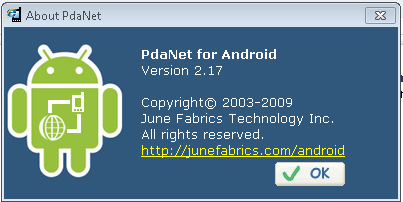
PDA Net

Click to Enlarge

Visit PDA Net and download their PC/Mac client software and install it. It will prompt you to connect your phone using its USB cable or connect via  Bluetooth when it is ready to install the software on your phone. On Android phones such as the Droid, it is necessary to switch the phones USB mode to debugging mode for PDA Net to work. (Debugging mode is accessible via the phones setting menu, Applications, then Development). The advantage of using a USB cable is that the phone will be charged at the same time you are using the internet on your laptop, giving you hours of use.

Read the rest of this entry »


Firefox – Will it die on the vine?

21 01 2010

Firefox is my primary browser and has been since version 1 of the browser. Prior to Firefox I used SeaMonkey/Netscape going all the way back to Navigator 1.11. I’m glad to say that I have never used IE as my primary browser of choice, ever.

However I am concerned that Firefox’s days maybe numbered. Here are few facts.

Microsoft Develop IE
Google Develop Chrome
Apple Develop Safari.

Three major software corporations with lots of resources in terms of money and talented staff and all making money hand over fist. I’m not sure how the Mozilla Project can compete with them long-term, as much as I’d like them to. My argument is not technical nor based on merit or intellectual preference, it is commercial.

Prior to Chrome, Mozilla had the backing of Google as the major competitor to IE. I’m not suggesting that Google have or will abandon their cozy relationship with the Mozilla project, however their attention and resources are now divided, clearly they will try and make their Chrome browser and Chrome/Android OS’s work well.

Read the rest of this entry »


Resolving outgoing email problems with Yahoo! email Plus on a Droid

12 01 2010

Update 2010-04-01

The new android 2.1 firmware for the droid has resolved all the email issues I was having with my droid on Yahoo email. Deleting messages on the droid really does delete off the yahoo account and vice versa. Reading in one place updates the message read indication on the other. It really works like you’d expect it to. The new update is really worth it for yahoo mail users on a droid. For further information on getting the update now visit here.

Original Article:

Verizon do not support Yahoo email on the Droid. They do on a Blackberry, but not the Droid, and with good reason, it is unreliable.

Outgoing email can easily get stuck in the Droid’s outbox. I found that email could sit there ‘forever’, but switching the phone off and on again would temporarily resolve the problem and mail would be sent. Not wanting to power off the droid every time I sent email from my Yahoo account on the Droid, I looked for another solution.

The solution is to stop using the Yahoo SMTP (Outgoing email) servers and use another service that is compatible with the Droid. Read the rest of this entry »


My Top Ten Droid Applications

1 01 2010

This is a list of the applications I have found most useful on the Motorola Droid. I will update this post as I discover apps that are worthy, and demote an item to make room. Some of the apps come on Droid out-of-the-box, others are available on the Android Marketplace. Here’s a quick flavor of what  will describe in more detail.

  • Turn by Turn Navigation.
  • Multi-touch ‘pinch’ zoom just like the iPhone. Plus tabbed browsing!
  • Print web pages and photos from your cell phone directly to your printer(s) from anywhere.
  • Make cheap international calls on your cell, bypassing Verizon’s higher rates.
  • Play Audible eBooks and magazines/newspapers.
  • Have the phone go into silent mode as you arrive at church and go back to normal after you leave.
  • Lose weight.
  • Turn you phone into a radio by playing internet radio on your home or car audio system, or on ear buds as you work out. No DJ’s, No audible adverts. Just music.
  • Have your MP3 collection with you wherever you go, even if it exceeds the memory capacity of the Droid. Take 100GB of search-able MP3’s (or more) on the road!!
  • Sync you iTunes library with the Droid!

1. Pandora (Free with ads or $34 without ads). Comes with the Droid.

Pandora is a really well written internet radio application. One can select a music stream from a list of genres or type in an artists name and create your own feed of your favorite music. One can’t choose which songs are played, but each Pandora user can give an online thumbs up or thumbs down to a track that is being played which will help Pandora provide music that is well thought of in each genre or for each artist.

The ads are very small at the bottom of the screen, better still there are NO audio ads to interrupt the music, so it is much better than traditional broadcast radio. No DJ to tolerate either. If your phone rings, the audio stream is automatically paused and will resume after the call ends. Attach the audio out jack on the Droid to a stereo or car audio system and the music is CD quality.

I found that it works just as well on Verizon’s 3G network or on WiFi. If the phone switches between WiFi and 3G, say as you drive off from home, it switches seamlessly without skipping!! A click is sometimes heard, but that’s it.

The free version is limited to 40 hours of listening per month. There are also limits on how many tracks one can ‘skip’. These limits are either raised or eliminated if you subscribe to Pandora One. Read the rest of this entry »


Transfer Contacts from Blackberry to Droid

31 12 2009

The easiest way to transfer contacts from a blackberry to a Motorola Droid phone is via the GMail contact import feature using a CSV file exported from the Blackberry Desktop Manager. There is one gotcha though; Google does not give you a preview of how the contact data will map, which can have undesirable results!!

Here is the procedure.

  1. Backup your Blackberry data using the BB Desktop Manager.
  2. Export BB contacts to an Excel compatible CSV File. Follow the procedure found here.
  3. Open CSV file in Excel. Read the rest of this entry »


Ubuntu SMART disk analysis is slick!

26 12 2009

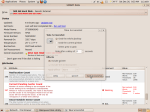
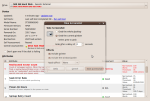
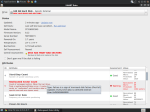
As soon as Ubuntu detects problems with a hard drive that reports S.M.A.R.T. diagnostics it pops up a warning and the depth of information is impressive. Speedfan has a nice enough analysis of hard drive health, but it is a little arcane. The Ubuntu utility really explains what is going on. It also shows historical ‘watermarks’ where a characteristic went over threshold in the past.

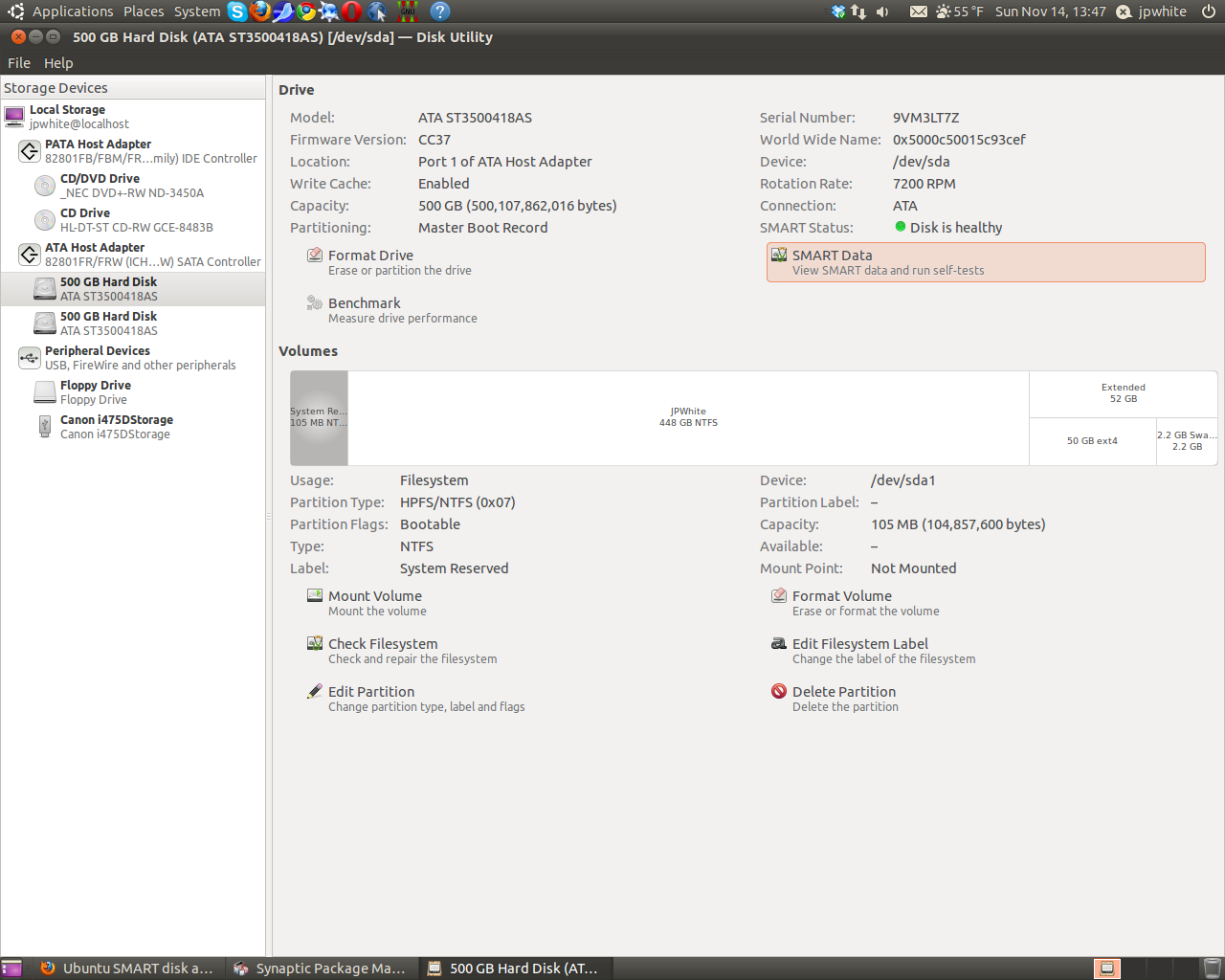
Here are some screen shots of what one can find about a hard drives health status.

Not surprisingly the failing hard drive was replaced and data backed up. Not one piece of user data was lost, as is often the case with failing hard drives, files affected are mostly system/program files. Recovery of data is typically very successful. In this case the user had only 700MB of data on a 500GB drive.

To look at the SMART characteristics of drives attached to an Ubuntu system start the Disk Utility which is located under
System -> Administration -> Disk Utility. This disk utility is a Gnome desktop tool, for those with other variants of linux or Ubuntu with different desktops it can be added to your distribution by installing the application gnome-disk-utility using synaptic package manager or the command line

sudo apt-get install gnome-disk-utility

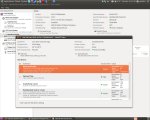
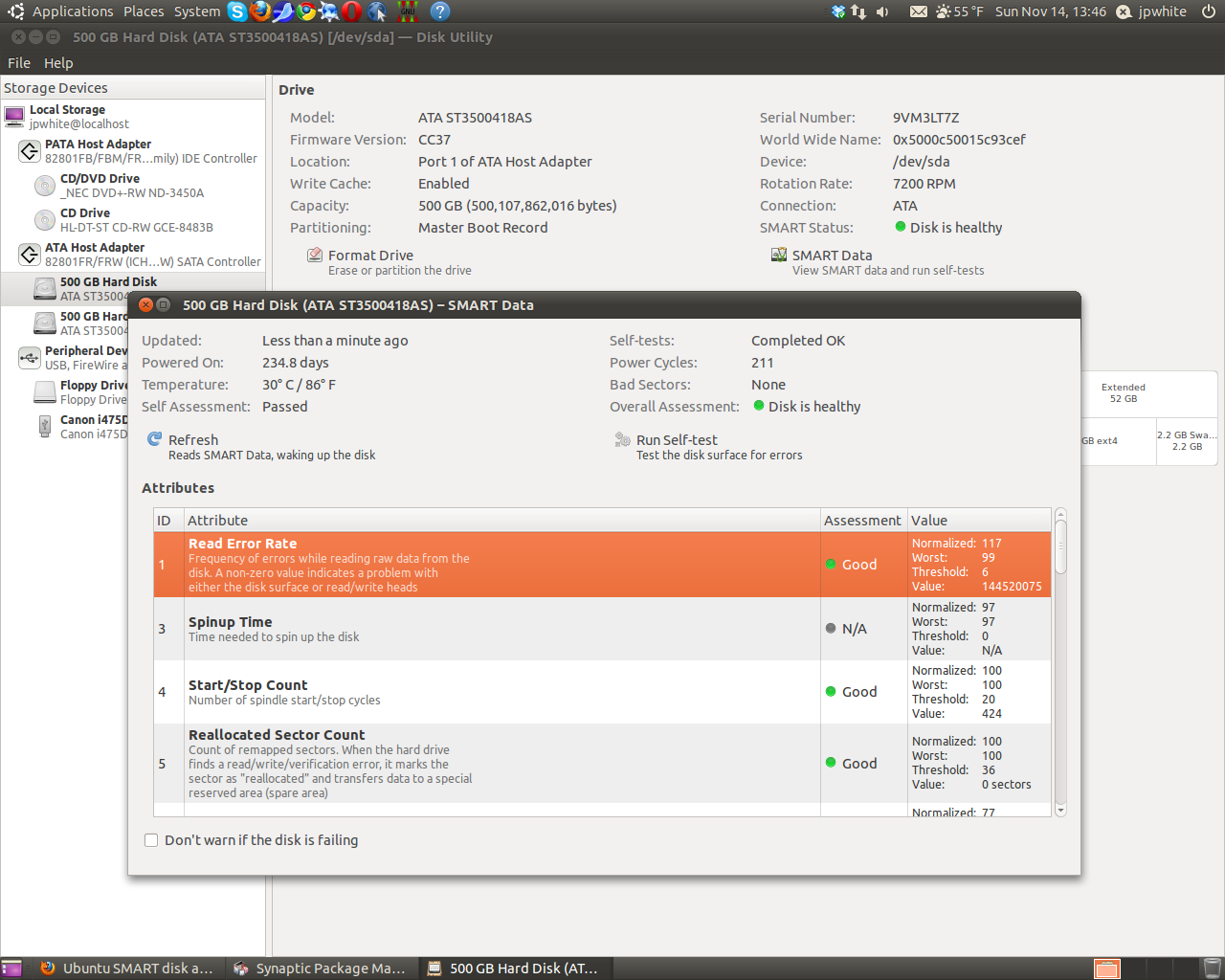
Update 2010-11-14: Since the introduction of Ubuntu 10.4 the disk utility included in Ubuntu has changed. Screen shots of the new disk utility are included below. The utility provides more information, especially about how the disk partitions are organized. However I have found that once in a while the new utility reports that SMART disk statistics are unavailable for a disk, using Ubuntu 9.10 Live Disk reveals that the SMART statistics are available after all. This is an unfortunate problem with what is a great diagnostic tool, hopefully the drive compatibility will be improved back to its former glory.
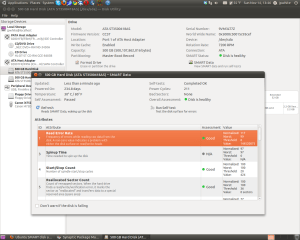
Click to enlarge image

Click to enlarge image


To read more about Ubuntu visit